
In 2026, small business owners are facing a common enemy: software bloat. You likely have one app for tasks, another for documents, a third for team chat, and a fourth just to track the time spent on the other three. This “context switching” is more than an annoyance—it’s a drain on your bottom line.
ClickUp has positioned itself as the “one app to replace them all.” But does it actually deliver on that promise for small businesses, or is it just another complex tool to manage? After a year of testing it across multiple production environments, this comprehensive 2026 review breaks down everything you need to know.
What is ClickUp? The All-In-One Philosophy
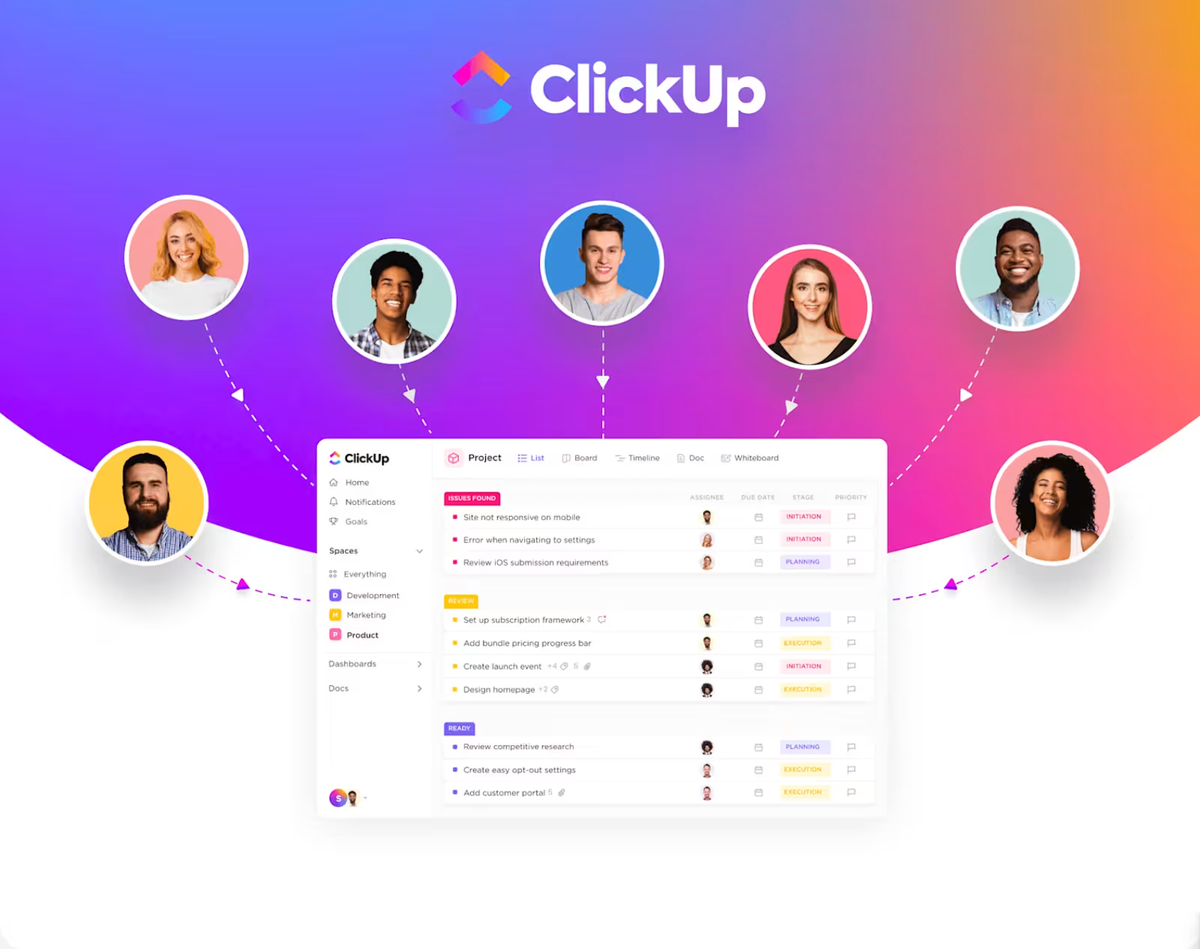
ClickUp is a cloud-based productivity platform that centralizes project management, document collaboration, goal tracking, and team communication. Unlike traditional tools that focus on a single niche (like Trello for Kanban or Slack for chat), ClickUp is built on a modular architecture.
For a small business, this means you aren’t forced to work the way the software wants you to. Instead, you build a system—or a “strategic pipeline”—that reflects your actual business operations. Whether you are managing a YouTube channel, a remote marketing agency, or a local service business, ClickUp scales to fit that specific structure.
Pricing and Plans: 2026 Breakdown
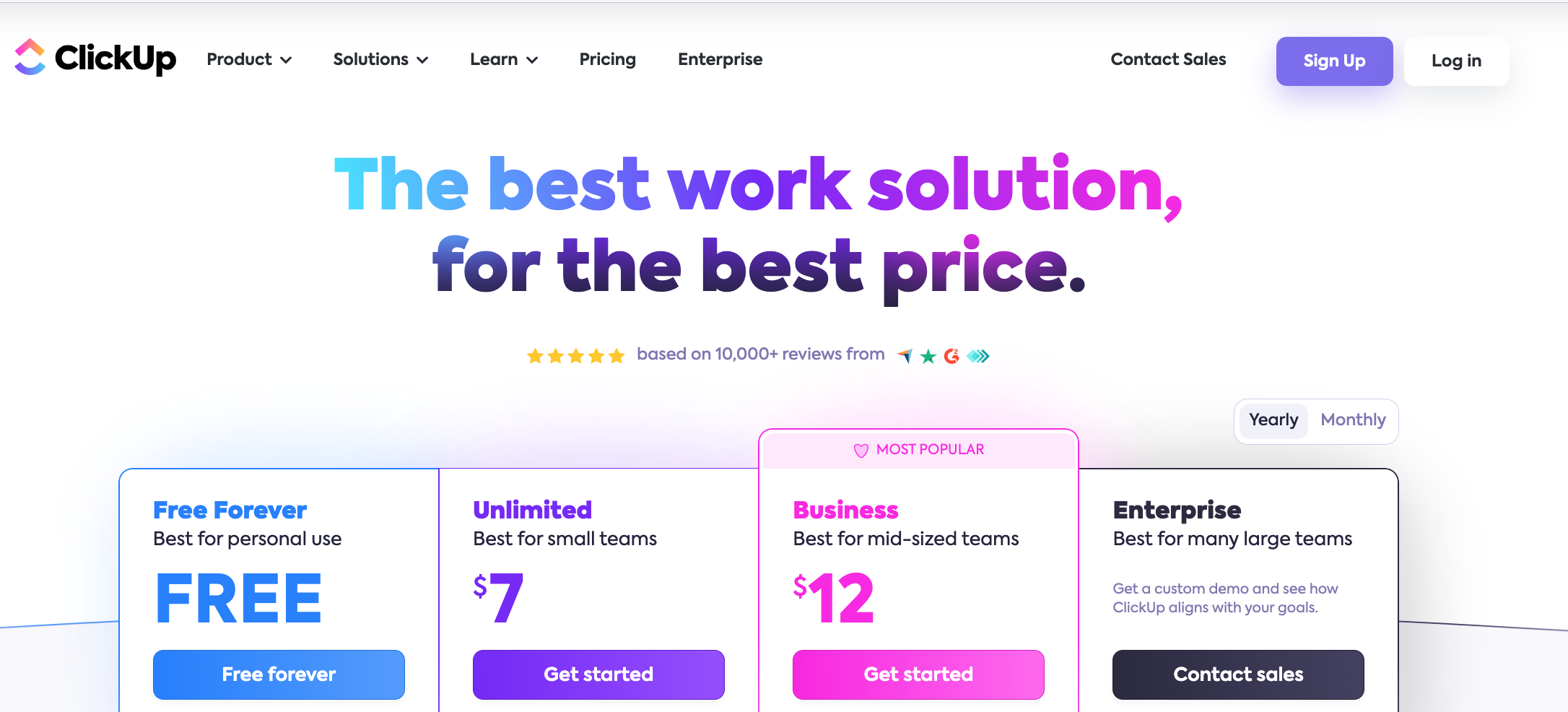
ClickUp remains one of the most cost-effective tools in the project management space. Here is the updated 2026 pricing structure for small teams:
| Plan | Price (Annual) | Best For |
| Free Forever | $0 | Solopreneurs and testing basic workflows. |
| Unlimited | $7/mo per user | Small teams needing unlimited storage and views. |
| Business | $12/mo per user | The “sweet spot” for growing businesses needing SSO and advanced reporting. |
| Enterprise | Custom | Large organizations with high security and compliance needs. |
Key Value Factor: The Unlimited Plan at $7/month is arguably the best deal in the industry, offering 1,000+ automations per month and unlimited storage—features that competitors often gate behind much higher price points.
Top Features for Small Business Productivity
1. The Power of “Views”
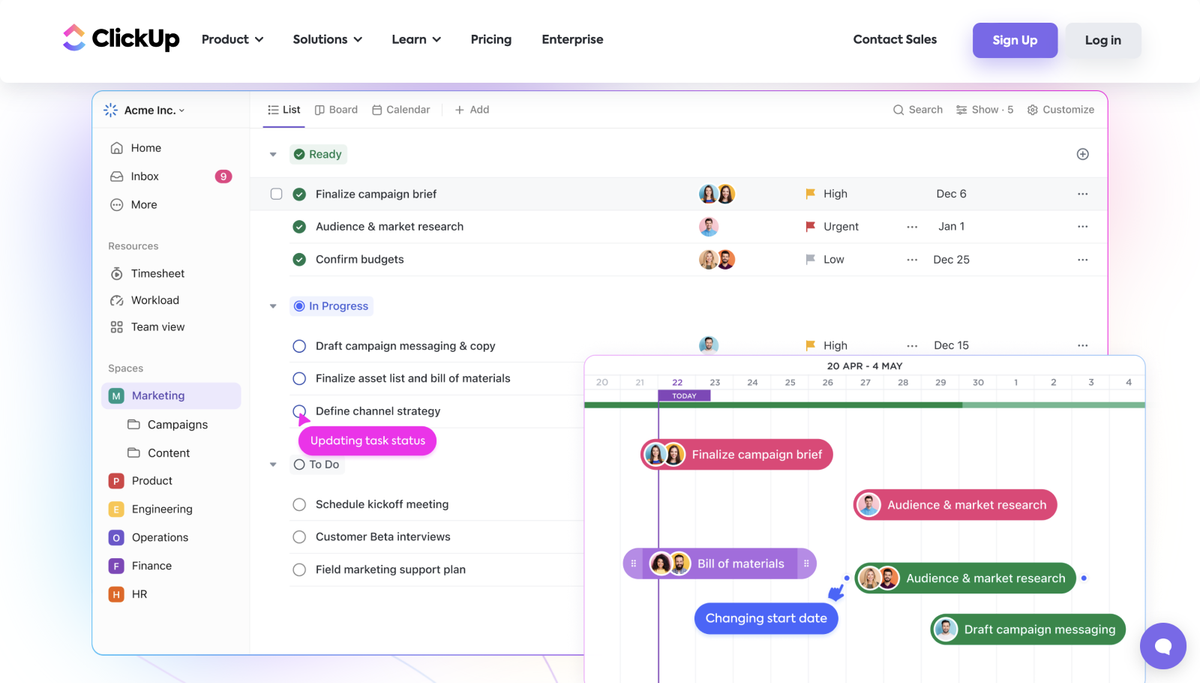
One of ClickUp’s greatest strengths is its ability to visualize the same data in different ways. Small businesses often have team members with different working styles. With ClickUp, your project manager can use the Gantt Chart, your creative team can use the Board (Kanban) View, and your accountant can use the Table View—all looking at the exact same tasks.
. List View: Ideal for high-level organization and bulk-editing.
. Calendar View: Crucial for managing content schedules and deadlines.
. Whiteboards: A 2026 standout feature for real-time brainstorming and mapping out workflows visually.
2. Advanced Automations (Your “Invisible Employee”)
For small businesses, time is the most valuable resource. ClickUp’s automation engine allows you to remove manual “busy work.” For example, when a client submits a ClickUp Form, the platform can automatically:
-
Create a task in a specific list.
-
Assign it to a team member.
-
Set a due date based on the submission.
-
Post a notification in the internal team chat.
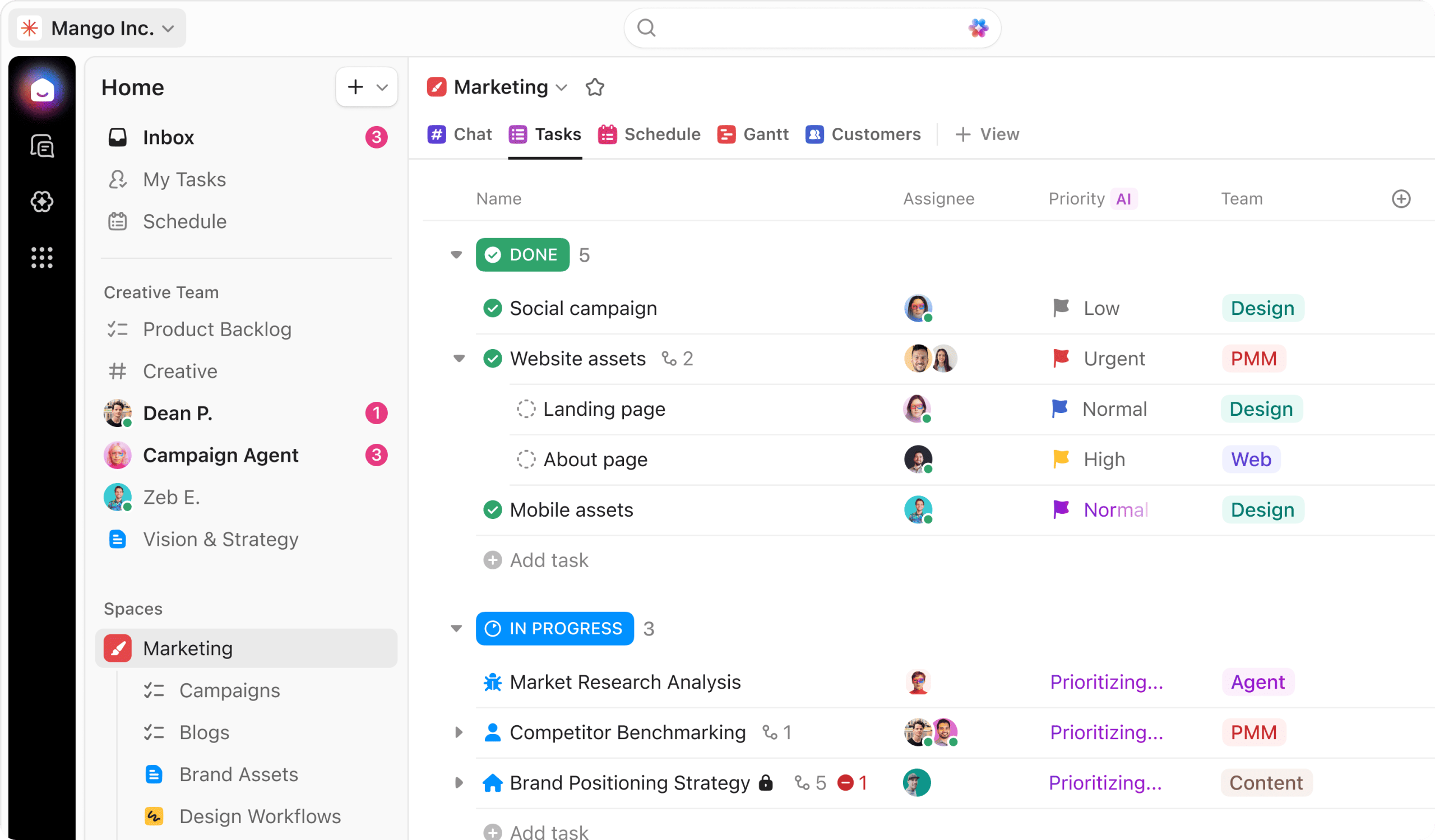
3. ClickUp AI 3.0
In 2026, ClickUp’s AI has evolved from a simple text generator to a full-scale Work Assistant. It can now:
-
Summarize long comment threads so you don’t have to read 50 messages to catch up.
-
Generate Action Items directly from meeting notes.
-
Write Project Charters and documentation based on your task history.
The “Startup Wise” Workflow: How to Organize Your Space
Drawing from the “Startup Wise” methodology, here is how you should structure your ClickUp Workspace to avoid clutter:
The Hierarchy
-
Workspace: Your entire company.
-
Spaces: High-level departments (e.g., “Marketing,” “Operations,” “Sales”).
-
Folders: Grouping related projects (e.g., “Client A,” “Internal SOPs”).
-
Lists: The actual bucket where tasks live (e.g., “YouTube Production,” “Onboarding”).
Status Management
Don’t settle for “To Do” and “Done.” Create a status pipeline that reflects your production stages. For a video production business, this might look like:
Idea -> Scripting -> In Review -> Filming -> Post-Production -> Published.
Comparison: ClickUp vs. The Competitors
| Feature | ClickUp | Monday.com | Asana | Notion |
| All-In-One Capability | High (Chat/Docs/Tasks) | Medium | Medium | High (Docs/DBs) |
| Learning Curve | Steep | Moderate | Low | Moderate |
| Customization | Excellent | Good | Moderate | Excellent |
| Price (Per User) | ~$7 – $12 | ~$10 – $16 | ~$11 – $25 | ~$10 – $15 |
The Pros and Cons: A Realistic Look
The Pros
-
Unmatched Flexibility: You can customize almost every field, status, and view.
-
Consolidation: You can genuinely cancel your subscriptions to Trello, Asana, and often even Slack.
-
Generous Free Tier: The best free plan on the market for small teams.
-
Speed & Search: The 2026 “Universal Search” allows you to find files across ClickUp, Google Drive, and Slack instantly.
The Cons
-
Initial Overwhelm: New users often feel “lost” because there are too many buttons.
-
Mobile Experience: While improved, the mobile app is still not as powerful as the desktop version.
-
Complexity: It is easy to “over-engineer” your workspace, making it harder for your team to use.
Frequently Asked Questions (FAQs)
1. Is ClickUp too complicated for a one-person business?
It can be. If you only need a simple list of daily tasks, ClickUp might be overkill. However, if you plan to scale or manage complex projects with many moving parts, starting in ClickUp now prevents a painful migration later.
2. Does ClickUp work offline?
ClickUp offers limited offline functionality. you can create tasks and view previously loaded data, but a steady connection is required for real-time collaboration and automations.
3. Can I invite clients to see my boards?
Yes. ClickUp offers “Guest Access.” On the Unlimited plan and above, you get a certain number of free guests with permission-controlled access to specific lists or folders.
4. How long does it take to set up?
A basic setup takes about 30 minutes. However, building a fully automated, department-wide system usually takes 2–5 days of tweaking to get it perfect.
5. Is my data secure in ClickUp?
ClickUp uses 256-bit SSL encryption and is SOC 2 compliant. For small businesses, this is the industry standard for data protection.
Final Verdict: Should You Switch in 2026?
If you are currently feeling scattered across multiple platforms and your team is missing deadlines due to poor communication, ClickUp is the best solution. The learning curve is a small price to pay for the hours of “admin time” you will save through its automation and centralized docs. The key to success with ClickUp is to start simple. Master the List View, get your tasks organized, and then—and only then—start exploring the advanced automations and AI features.
Ready to take control of your business?
Don’t let another week of unorganized chaos go by. Join thousands of small businesses that have moved to a more efficient way of working.